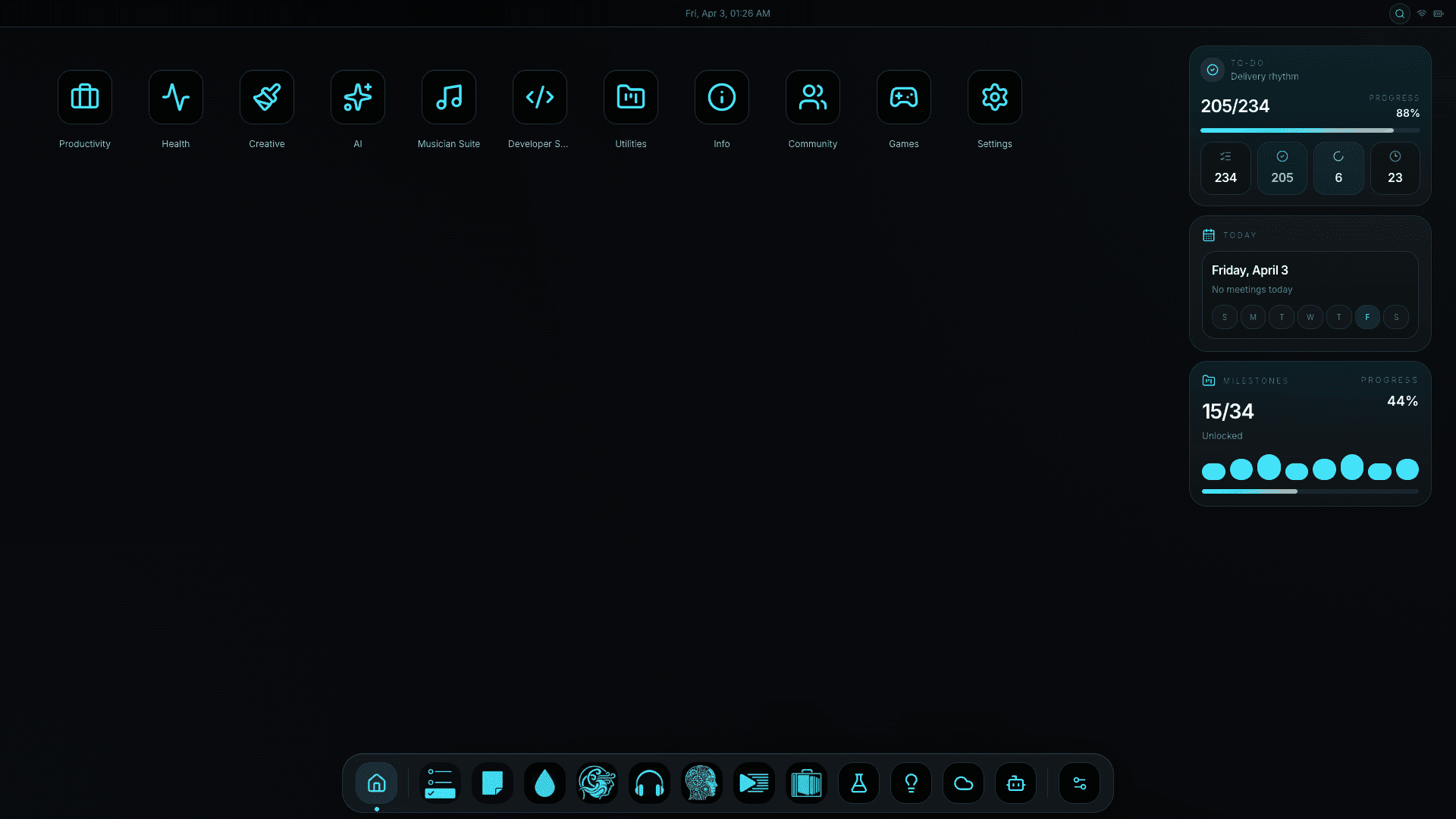
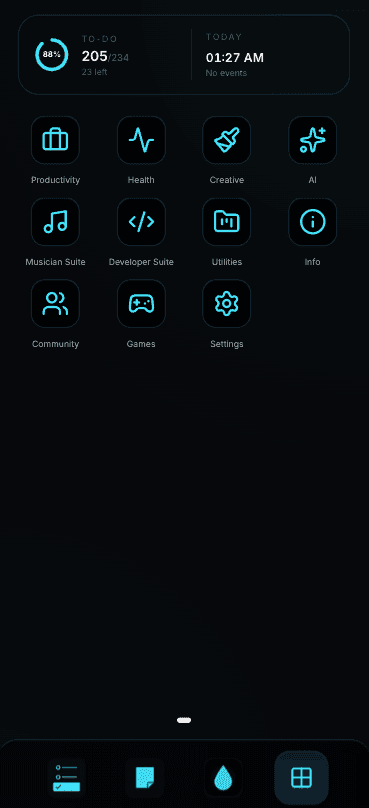
All Your Tools, Beautifully Connected
30+ productivity modules that talk to each other - portfolio, notes, AI, analytics. One install. Zero subscriptions.
Portfolio Website
Showcase your work. Customize colors, add projects, and share your skills.
To-Do Lists & Notes
Organize tasks, write notes, create shopping lists. Everything stays in sync.
Content Planner
Plan posts, save ideas, schedule content. Perfect for creators.
Projects & Content
Manage projects, organize content, track progress. Everything in one place.
AI Assistant
Get help with tasks using AI. Works with cloud AI (OpenAI, Gemini) or run AI locally on your computer for complete privacy.
Achievements & Goals
Track progress, earn achievements, stay motivated with gamification.
Why Vortex Beats SaaS Subscriptions
Own your data, pay once, work offline. The tradeoffs you've been told to accept - gone.
| Feature | Vortex Workspace | Other Apps |
|---|---|---|
| Pricing | Free + Premium | Only Paid |
| Works Online & Offline | Yes | No |
| Your Data | Stays Yours | Cloud Storage |
| Privacy | 100% Private | Data Collection |
| All-in-One | 30+ Tools | Separate Apps |
| Self-Hosted | Your Server | Their Servers |
Fast Setup
Install in 5 minutes. One command and you're ready to go.
Complete Privacy
Your data never leaves your computer. No tracking, no ads.
Flexible Pricing
Start free forever. Upgrade to premium features when you need them.
How Vortex Stacks Up
Side-by-side with the tools most people compare us to. No spin - see the gaps for yourself.
| Feature | Vortex | Notion | ClickUp | Obsidian |
|---|---|---|---|---|
| Self-hosted on your own server | ✓ | × | × | ~ |
| Works fully offline | ✓ | × | × | ✓ |
| Pricing model | Free + one-time | Per seat / mo | Per seat / mo | Free + Sync |
| Portfolio website builder | ✓ | ~ | × | × |
| Todos + notes + content planner | ✓ | ✓ | ✓ | ~ |
| Local AI (Ollama) support | ✓ | × | × | ~ |
| Data ownership | 100% yours | Their cloud | Their cloud | Yours |
| Telemetry / tracking | None | Yes | Yes | Opt-in |
| Lifetime license available | ✓ | × | × | × |
Comparison reflects published features as of 2026. ~ = partial / requires third-party plugin or paid add-on.
What Real Users Say
Developers, creators, and small teams who replaced their stack with one self-hosted workspace.


Pay Once. Use Forever.
No seats, no monthly fees, no surprise bills. Start free - upgrade only if you need premium modules.
Free
$0
Perfect for getting started
- Portfolio Website
- Todo List & Notes
- Basic Dashboard
- Achievements
- Portfolio Themes & SEO
- AI Assistant
- Habit Tracker
- and more…
Pro
$99
All Productivity + AI Tools
- Portfolio Themes & SEO
- All Productivity Tools
- Habit Tracker & Challenges
- AI Assistant
- AI Integrations
- Prompt Creator
- Advanced Analytics
- Developer Suite
- and more…
Unlimited
$299
Everything + Lifetime Updates
- All Features
- Lifetime Updates
- All Add-ons Included
- Priority Support
- Commercial Use
- Early Access to New Features
- Multiple Installations
- Custom Branding
- and more…
- 30-day money-back guarantee
- No credit card for Free tier
- One-time payment, no subscription
- Pro & Unlimited licenses are lifetime
Premium Add-ons
Buy only the modules you actually need. No bundling, no upsells.
Advanced AI Add-on
$19
Enhanced AI capabilities
- AI Assistant
- AI Integrations
- Advanced Analytics
Suno Prompter Add-on
$9
AI music prompt creation
- Prompt Creator Tool
- Music Generation
- Advanced Prompts
Wellness Suite Add-on
$12
Complete wellness tracking
- Wellness Profile
- Water Tracker
- Breath Work
- Daily Check-ins
Developer Suite Add-on
$24
Automation & integration tools
- n8n Templates
- Workflow Automation
- API Access
How the License Works
No accounts, no dashboards. Drop your key in a config file - premium unlocks instantly.
Buy License
Choose your plan and pay
Get Your Key
We send you the key by email
Add Your Key
Copy the key to your config file
Done!
Features unlock automatically
Instant Activation
Premium features available immediately
Auto Verification
License checks itself automatically
Secure & Private
Your data is protected and private
Install in Under 5 Minutes
Pick your environment below. Each path is fully scripted - copy, paste, run.
Copy and paste this command
curl -fsSL https://raw.githubusercontent.com/yourusername/vortex-workspace/main/install.sh | bashPaste it in your server terminal and press Enter. Works on most Linux servers.
Answer a few questions
The installer will ask you:
- Your email address
- Choose a password
- License key (skip this if you want the free version)
That's it! The installer does everything else automatically.
Open in your browser
Wait 5-10 minutes, then open:
http://your-server-ip:3004Login with your email and password. Done!
Install Docker first
You need Docker installed on your computer:
- Mac/Windows: Download Docker Desktop and install it
- Linux: Don't worry, the installer will do it for you automatically
Docker is free software that runs apps in containers. Once installed, you're ready!
Download and install
Open Terminal (Mac/Linux) or Command Prompt (Windows) and paste these commands one by one:
git clone https://github.com/yourusername/vortex-workspace.git
cd vortex-workspace
./install.sh
Press Enter after each line. The installer will ask for your email and password.
Open in your browser
After installation finishes, open your browser and go to:
http://localhost:3004Login with your email and password. Everything works offline after this!
Download the code
git clone https://github.com/yourusername/vortex-workspace.git
cd vortex-workspaceConfigure settings
cp .env.example .envThen edit the .env file with your email, password, and license key (if you have one).
Start everything
docker compose up -dWait a few minutes, then open http://localhost:3004 in your browser.
Railway (Easiest)
Deploy to RailwayClick the button, connect your GitHub, and Railway does everything. Free for 30 days, then $5/month.
Vercel (Advanced)
Deploy to VercelFree tier available. You'll need to set up a database separately (Neon or Supabase).
Your Data Never Leaves Your Walls
End-to-end self-hosted. No telemetry, no analytics ping, no third-party servers in the loop.
Complete Privacy
Your data stays on your computer or server. No one else can access it - not us, not advertisers, nobody.
- No data collection
- Works completely offline
- You own everything
Protected from Hackers
Built with strong security to keep your data safe from attacks. Regular updates fix any issues automatically.
- Encrypted connections
- Secure password storage
- Automatic security updates
Open & Auditable
Every line of code is open source. Inspect it, fork it, run it. No black boxes, no hidden behavior, no phone-home trackers.
- MIT-licensed source
- Reproducible Docker builds
- Verify before you deploy
How your data flows
Documentation & Resources
Deep guides, full REST API reference, and an active Discord - everything you need to ship.
Getting Started
Installation, configuration, and first steps
Feature Guides
Detailed guides for each integrated app
API Reference
REST API documentation for developers
Deployment
Production deployment best practices
GitHub Repository
Source code, issues, and contributions
Community
Join our Discord for support and discussions
Frequently Asked Questions
Quick answers about pricing, hosting, privacy, and what you get with each plan.
Vortex Workspace is like having all your tools in one place - your portfolio website, to-do lists, notes, and more. You install it on your own computer or server, so you're in control.
No! You can use it for free with basic features like portfolio website and simple to-do lists. If you want extra features like AI tools or advanced analytics, you can buy a license.
You buy a license, we send you a code by email. You copy that code into a settings file when you install. The app checks the code automatically and unlocks the extra features.
Yes! Once you install it, everything works offline. You only need internet the first time to check your license code, then you can use it completely offline.
You need a computer or server with at least 2 GB of memory and 10 GB of free space. It works on most Linux systems (like Ubuntu) and also on Windows and Mac with Docker installed.
Yes! You can always upgrade to a better plan later. Just contact us and we'll help you switch to more features.
Yes! Your data stays on your computer or server - it never goes to us or anyone else. We don't collect any information about you. Everything is protected and private.
Most licenses last forever - you buy it once and use it forever. Some special offers might have an expiration date, but we'll tell you clearly when you buy.
Yes! You can use it for personal projects or for your business. Business plans include extra support and commercial use rights.
Free users can ask questions in our community forums (GitHub or Discord). If you bought a license, you get faster email support. Business plans get priority support.
Stop Paying Monthly. Own Your Stack.
One install replaces ~$60/mo of SaaS subscriptions. Free forever for the core. 5-minute setup. Your server, your data, your rules.
- Notion
- Todoist
- Linear
- Ghost
- Obsidian
- Calendly
- ClickUp
- and more
No credit card. No account on our servers. Works offline after install.